Macrium Reflect Home Edition: A Comprehensive Backup Solution
When it comes to reliable backup solutions for Windows, Macrium Reflect has long been a trusted name.
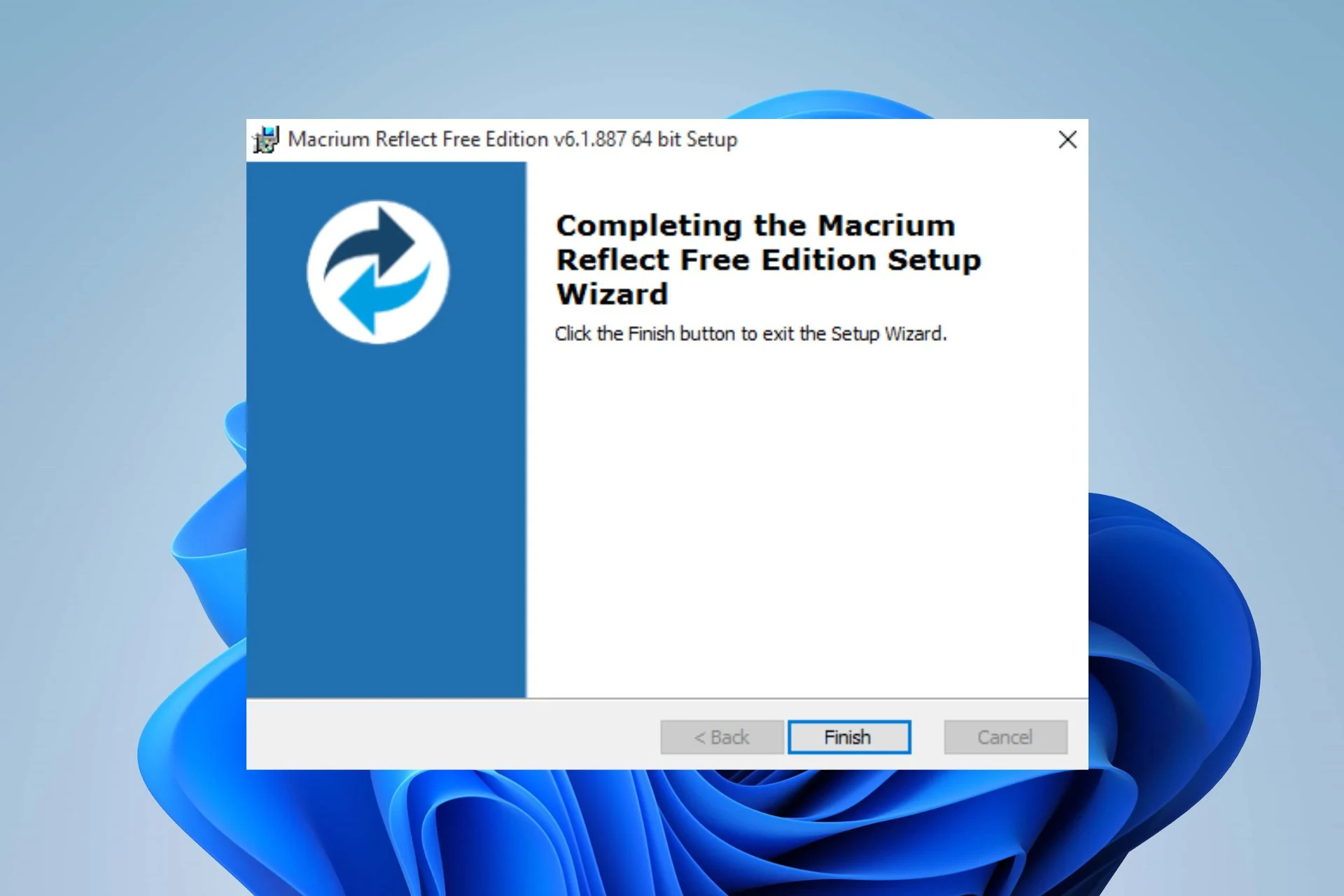
When it comes to reliable backup solutions for Windows, Macrium Reflect has long been a trusted name. My experience with the software spans decades, running parallel with the highly-rated R-Drive Image. Both tools have consistently delivered reliability, which is no small feat in the ever-changing tech landscape. While Macrium Reflect shines in many areas, it does come with a notable drawback: its price. However, the feature-limited free version and robust capabilities make it a standout in the backup software market.
What Is Macrium Reflect Home Edition?
Macrium Reflect Home Edition is an imaging program designed to create container files, which capture all the data from a drive or partition. This includes the operating system, applications, and all user data. For those seeking a perfect clone, the software can even replicate blank sectors to ensure a bit-for-bit duplication. Beyond this, Reflect offers the ability to back up specific files and folders into similar containers, providing flexibility for different backup needs.
Backup Types and Management
Reflect allows users to create:
- Full Backups: A complete snapshot of all data on the drive.
- Incremental Backups: Captures only the changes made since the last backup (full or incremental).
- Differential Backups: Records all changes since the initial full backup.
Users can define how many backup versions to retain and set rules for purging older files, ensuring efficient storage management.
Unlike some of its competitors, Reflect doesn’t use the nearly universal Virtual Hard Disk (VHD) format for backup containers. Instead, it provides vBoot, a feature that converts Macrium backups into VirtualBox virtual machines. VirtualBox runtime support is also included, making this a valuable tool for users seeking virtualization options. Additionally, mounting a Reflect image (.mrimg) file is a breeze—simply double-click it to assign a drive letter and access the data directly in Windows.
Features and Customization
Macrium Reflect offers an extensive array of features, catering to both novice and advanced users:
- Granular Scheduling: Create custom schedules to automate backups.
- Network Share Support: Define user credentials for seamless access.
- Retention Rules: Fine-tune when older backups are deleted.
- Compression Settings: Optimize storage space with various compression levels.
- Notifications: Receive alerts about backup status.
- Automation Scripts: Set up complex workflows.
- Backup Locking Service: Prevent unauthorized modifications to backup images.
Additionally, Reflect supports a wide range of backup destinations, including optical discs—a rarity in modern backup software.
Boot Media Creation
One essential feature for any imaging software is the ability to create bootable recovery media. Macrium Reflect uses Windows PE/RE for this purpose, allowing users to recover systems even if the primary OS is unbootable. Unfortunately, it does not offer a Linux-based boot option, which some users may miss. That said, the Windows PE/RE implementation is smooth and reliable, making it a solid alternative.
Pricing and Availability
The Macrium Reflect Home Edition is available for $80 as a perpetual license, including free minor updates and a year of support. Alternatively, users can opt for a $40 annual subscription. While this pricing is higher than R-Drive Image’s $45 one-time purchase, Reflect’s feature set arguably justifies the cost.
For those hesitant to commit, Macrium offers free 30-day trials for all editions, allowing users to explore the software’s capabilities risk-free. Additionally, a feature-limited free version of Reflect was available until 2023. Though officially discontinued, it can still be downloaded from third-party sites like TechSpot and FileHorse. A quick search for “Macrium Reflect Free” should help you locate it.
Performance and Reliability
In my testing, Macrium Reflect impressed with its speed, stability, and error-free performance. Creating bootable media was straightforward and worked seamlessly, reflecting the polish of the main application. This level of reliability is especially valuable when working on sensitive client systems, where failure is not an option.
Reflect’s user interface is another highlight. It combines logical design with an attractive aesthetic, presenting information in a clear and user-friendly manner. Compared to R-Drive Image, Reflect’s interface feels more modern and approachable, making it easier for less experienced users to navigate.
Final Thoughts
Labeling this software as a “Home” edition almost undersells its capabilities. Macrium Reflect Home Edition is fast, dependable, and packed with features that rival even professional-grade tools. While the price may deter some users, those willing to invest will likely find it worth every penny.
Whether you’re backing up your personal system or working in tandem with other imaging tools for client systems, Macrium Reflect delivers a solid, trustworthy experience. If reliability, flexibility, and ease of use are priorities for your backup solution, Macrium Reflect is a strong contender that won’t disappoint.