Aomei Backupper Professional Review: A Powerful Backup Solution with Affordable Cloud Storage
Aomei Backupper Professional, now at version 7, presents an impressive upgrade with added features that make it more accessible and reliable for users.
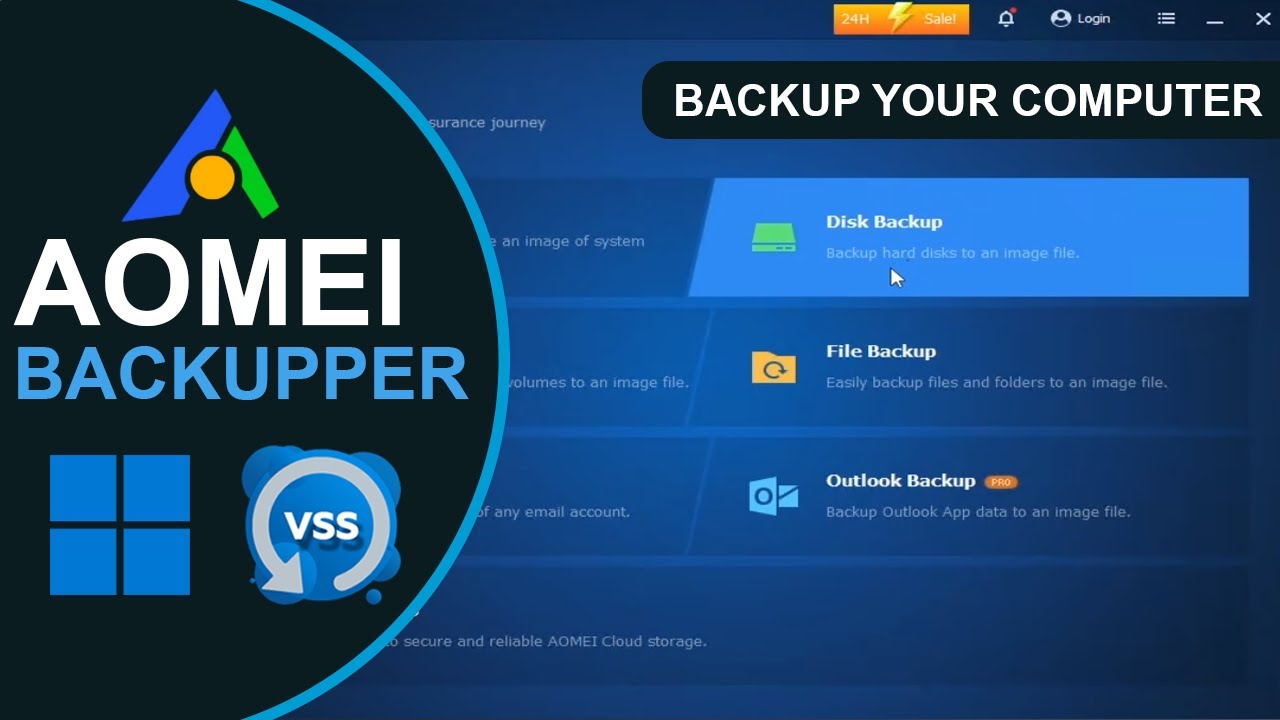
Aomei Backupper Professional, now at version 7, presents an impressive upgrade with added features that make it more accessible and reliable for users. The new version includes affordable Aomei Cloud storage and more targeted backup solutions, such as email and Outlook backups. This addition makes it a solid option for users who require a more comprehensive backup and synchronization solution.
Features and Functionality
Aomei Backupper offers a wide range of backup features that cater to different needs. Whether you’re backing up files, folders, system drives, or entire partitions, this software covers it all. It also provides disaster recovery options through both Linux and Windows PE boot media. Other key features include system/disk/partition cloning, and several types of folder synchronization.
The program supports saving backups and synchronization to any type of non-optical media (optical media is only supported for boot discs), including network locations. However, a long-standing complaint remains unresolved: users cannot browse for network locations but must manually input them or map the parent folder as a drive. This limitation can be cumbersome for some users.
Backupper supports granular scheduling, allowing backups to run as frequently as every hour, with real-time synchronization options available. Additionally, you can execute pre- and post-backup commands, such as custom scripts, which adds flexibility to the backup process.
Storage-Related Utilities
One standout feature of Backupper is its suite of additional storage-related utilities. These tools include a disk-wipe utility that can securely erase sensitive data and destroy malware, an image explorer for browsing files within backup images, an image integrity checker, and a hidden emergency partition with a recovery copy of your Windows installation. The one-key recovery feature is particularly useful for users who want quick recovery options similar to those offered by major computer manufacturers.
Synchronization Options
Backupper provides several synchronization options that are useful for various backup scenarios. These include:
- Basic Sync: Backups newly added or changed files to the destination folder but leaves deleted files on the destination untouched.
- Mirroring: Maintains an exact duplicate of the source folder, removing files that have been deleted from the source.
- Two-way Sync: Ensures that changes made in either the source or destination folder are reflected in the other.
- Real-time Sync: Provides instantaneous mirroring of changes from the source folder to the destination folder, instead of following a scheduled backup.
While these advanced synchronization features are available in the Professional and Enterprise versions, the free version of Backupper offers sufficient functionality for most users. If you’re interested in exploring more detailed features, you can find a version comparison on the Aomei website.
User Interface and Usability
Aomei Backupper’s user interface is clean and easy to navigate. It features a column of basic categories on the left side, with corresponding subcategories and details on the right side. The design is straightforward, making it easy for both beginners and experienced users to understand.
The software’s English translation is notably well-done, offering clear and accessible language. However, there are some minor drawbacks. The PDF help file, while comprehensive, lacks links from the table of contents to specific sections, which can be slightly frustrating if you’re looking for quick guidance.
For users who are new to backup software, Aomei Backupper offers an intuitive learning curve. You won’t encounter too many obstacles, and if you’re already familiar with backup processes, the program is easy to set up and use. However, the free version does come with a persistent upgrade prompt, encouraging users to consider upgrading for additional features.
Pricing and Versions
Aomei Backupper comes in two consumer versions: the free Standard version and the paid Professional version, which costs $39.95 annually. The Professional version unlocks advanced features, including the ability to use Aomei Cloud, priced at an additional $20 per year. In total, the Professional version with cloud storage costs $60 per year. There is some inconsistency in the pricing for cloud storage on Aomei’s website, with varying details on how much the subscription will cost after the first year, but the overall value remains attractive.
For users who prefer a perpetual license, Aomei offers this option at $69.95 for a single user or $89.95 for five users. Cloud storage is available for perpetual license holders at a rate of $20 per year, which is a reasonable price compared to competitors. As a point of reference, OneDrive charges $70 annually for 1TB of storage.
Aomei also offers options for small businesses, including the Workstation plan for $50 annually and the Server plan for $150 annually, with varying support for different Windows server operating systems. For enterprises, two versions are available: Technician for $499 and Technician Plus for $699, both offering advanced features like image deployment.
Performance and Reliability
During testing, Aomei Backupper showed strong performance in terms of speed and reliability. Backups, file synchronization, and image creation all proceeded smoothly, with no significant issues encountered. The program also performed well when creating recovery disks, automatically downloading the necessary Windows PE files. Both Linux and Windows PE versions of the boot media worked as expected on test PCs.
Restores and clones to a replacement SSD were flawless, demonstrating that Backupper is a reliable solution for recovering lost data or migrating to new storage.
Despite this overall positive experience, there were a few minor glitches. For example, when backing up a network location that contained too much data for the local destination, the program did not provide an informative error message. Instead, it simply canceled the job with an error code, which could be confusing for some users. Another issue involved the destination folder selection dialog, where the folder name wasn’t updated when renamed. A simple workaround fixed the problem, but it’s a sign that some attention to detail is still needed in the software.
Conclusion
Aomei Backupper Professional is a solid and affordable backup solution that has improved significantly over its previous iteration. While there are still some minor issues, the software is fast, stable, and packed with useful features. The free version is more than enough for casual users, and the Professional version offers powerful tools for those who need advanced features, including Aomei Cloud storage.
At its price point, Aomei Backupper is an excellent value, especially considering the cloud storage offering. While the software isn’t flawless and could benefit from some polish, it remains one of the top backup solutions on the market. For users looking for a reliable backup program with additional synchronization and storage features, Aomei Backupper is a compelling choice.