NordLocker: A Secure and Reliable Data Storage Solution
From the moment I started using NordLocker, it became clear that its primary focus is security.
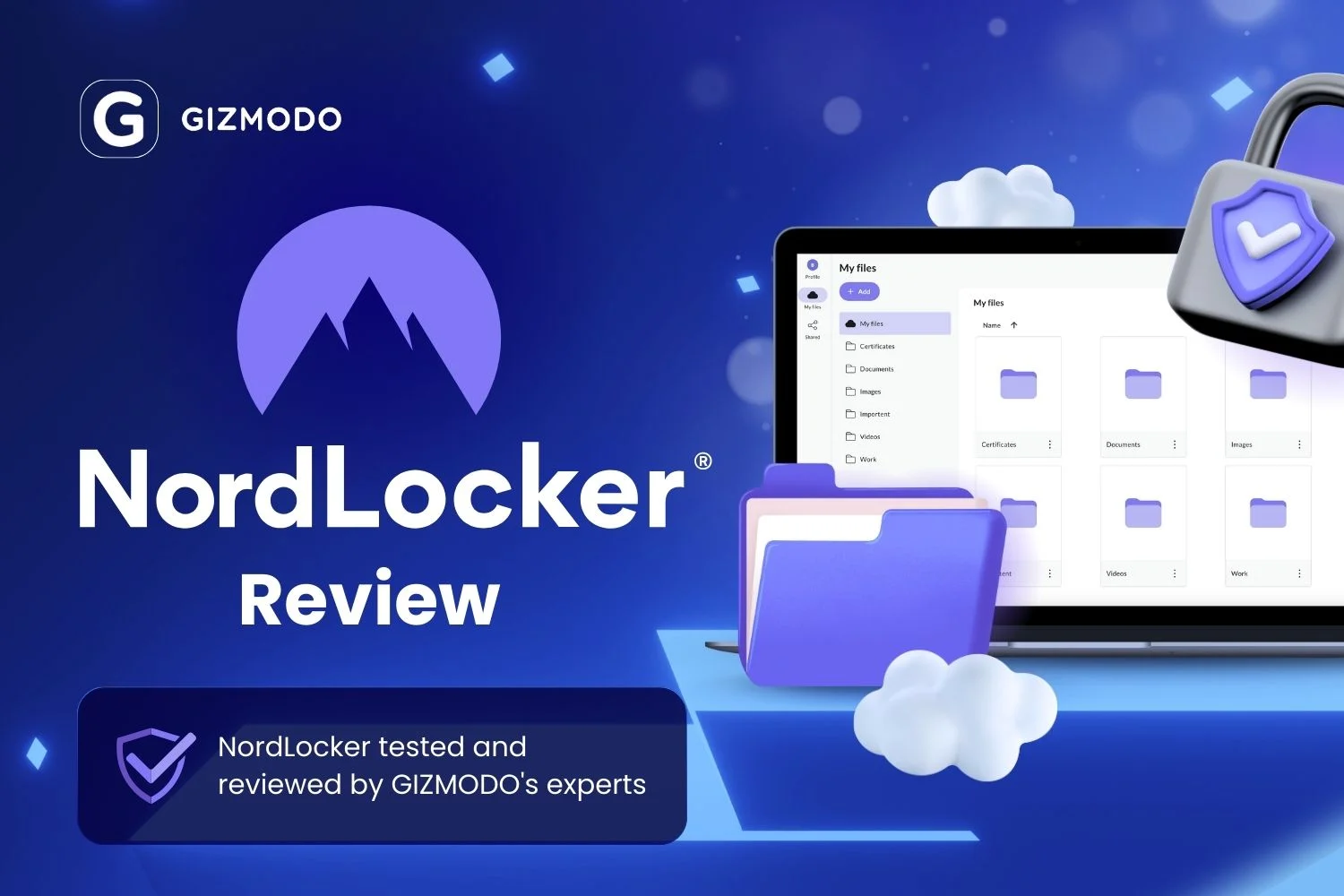
From the moment I started using NordLocker, it became clear that its primary focus is security. Known for its reputation in the VPN industry, NordLocker extends that same attention to detail in ensuring your data remains safe. With its non-optional encryption, stringent password requirements, and a host of other security measures, NordLocker brings top-tier protection to the table.
Beyond its robust security features, NordLocker also offers an intuitive and efficient software interface. The platform’s client and web apps are both user-friendly and reliable, making it easy to store, manage, and share your files securely. Additionally, its pricing is competitive, with attractive yearly plans that offer great value for the protection they provide. One of the standout features is its ability to encrypt local data in addition to cloud storage, offering an extra layer of security for your files.
Unlike many other services that offer secondary security layers, NordLocker mandates this as a requirement. Upon first access, users must set up both a password and a secondary encryption key. This dual-layer approach strengthens data protection, ensuring that your information remains encrypted even if one layer is compromised. Furthermore, NordLocker provides a recovery key for instances where you might lose or forget the encryption key, a feature that sets it apart from many other consumer-focused services.
Another security measure is the ability to automatically lock the app after a set period of inactivity. This feature requires you to enter the security key whenever you open the app or access the website, providing added protection if you’re away from your device. While initially, the added security may seem a bit intrusive, I quickly adapted and began to appreciate the level of protection it provided. Though not everyone may enjoy the modern multi-factor authentication (MFA) methods that are now standard, I found it to be an effective way to secure my data.
NordLocker offers dedicated apps for Windows, macOS, Android, and iOS, each one providing an attractive and stable user experience. Unusually, NordLocker connects its client apps to your account through a browser, which might seem odd, but it could potentially add an additional layer of security. However, I didn’t find a clear explanation as to why this approach is more secure than traditional methods.
One downside I encountered with the Android app (I didn’t test iOS) was the inability to bulk upload photos and videos. You’re required to select each file individually, which can be a bit tedious. Additionally, it’s not immediately obvious how to perform this task after the initial upload prompt. It’s also worth noting that NordLocker disables screenshot capture for added security, which made it challenging for me to share visual content for this review. While this is inconvenient for reviewers, I came to respect NordLocker’s commitment to data protection when my screenshots came up blank.
In terms of sharing files, NordLocker goes the extra mile to ensure security. The platform generates a unique security code for each link shared, which you can send separately through different communication channels to add an extra layer of protection. While this feature might feel a bit over-the-top, it provides peace of mind when sharing sensitive files. If you find it cumbersome, you can always send the link and code together in the same message. Additionally, NordLocker offers a direct email sharing option, but this feature is limited to sharing with other NordLocker users.
NordLocker allows for online viewing of certain file types, including Word and Excel documents, PDFs, and images. However, when I attempted to view MP4 and MP3 files, nothing happened. While many services that support video and audio file viewing often face issues with slow loading times or buggy performance, this wasn’t a major problem for NordLocker, but it does limit the service’s ability to compete with other providers offering full multimedia capabilities.
There is no online editing feature, but NordLocker allows you to designate other users as “Editors,” permitting them to download and edit files locally. You can also request files from others by creating links that let them upload content to your lockers, which adds flexibility for collaboration.
Another feature that reflects NordLocker’s secure-at-all-costs approach is the extra step required to delete a locker. When I first tried to delete a folder, I was prompted to type “Yes” to confirm the action. On subsequent attempts, I was asked to type the first three letters of the locker’s name, adding an extra layer of confirmation to prevent accidental deletions. While this might seem like a minor inconvenience, it demonstrates NordLocker’s commitment to safeguarding user data. However, this level of protection isn’t consistent across all platforms; for example, when deleting a folder on the website, no such confirmation was required. Consistency across platforms would be ideal.
While NordLocker excels at securing your data from external threats, it doesn’t do as well in protecting you from your own mistakes. A major downside is the lack of versioning, trash bins, or an undo feature. If you accidentally delete a file from a two-way sync folder, it’s gone for good, and there’s no way to recover it. This could lead to significant issues if you make an error, especially when combined with the inconsistent confirmation prompts across platforms. To mitigate this, I recommend using NordLocker’s copy feature, which creates separate backups rather than syncing files between local and cloud storage. This approach is safer for preventing accidental loss of data.
A couple of other minor issues include the absence of a comprehensive user guide and real-time support, such as live chat. While NordLocker offers some help topics, they don’t always seem up to date, and there’s no immediate way to get assistance if you run into trouble. As a result, users will need to have a certain level of technical expertise to navigate the service effectively.
As of the time of writing, NordLocker offers discounted yearly plans: $3 per month for 500GB and $7 per month for 2TB. These prices are significantly lower than comparable services, such as OneDrive, which offers 1TB for a higher price. However, it’s important to note that OneDrive includes Office 365, which is a valuable addition for users who need those tools. NordLocker, on the other hand, provides file viewing capabilities but doesn’t support online file editing. Monthly rates are $8 for 500GB and $20 for 2TB if you only need short-term storage.
One of the features I was particularly impressed with was the speed at which files uploaded and became accessible across my devices. Even with encryption in place, the transfer times were quicker than I expected, which is unusual for cloud storage services. This may be partly due to the infrastructure between the NordLocker servers and my location in San Francisco, but it was a notable positive.
Overall, NordLocker is an affordable, secure, and user-friendly solution for protecting your data. As long as you are aware of the potential pitfalls of two-way syncing and the lack of versioning or undo functionality, I highly recommend it for anyone who values data security. With its robust encryption and fast performance, it’s one of the most secure options available today.